Part of the Backlink Indexing topic guide. Use the guide to move from this specific question to the full diagnostic workflow.
A “broken backlink” is a link pointing to you that sits on a page that’s now 404, removed, or oddly redirected — so the link is no longer present to be evaluated. An HTTP failure tells you the host page was unreachable at check time; it is separate from whether the link exists, matches the target, or was ever indexed. It’s different from a “broken link on-site” (a dead link inside your own site). To catch broken backlinks, paste the list of pages hosting your links and check status codes in bulk instead of opening each one.
Source availability is one gate in the backlink delivery and indexing workflow; keep it separate from link presence and the later dated index observation.
Two kinds of “broken link” — don’t confuse them
- Broken link on-site: a dead link within your website (affects UX and crawling).
- Broken backlink: an external page linking to you was unreachable or removed at check time — so the link could not be verified as present. This is the one providers care about at delivery.
Why catch them early
Links get removed after you build them all the time — site owners delete posts, threads get locked, PBNs go down. If you sell links and a client finds dead ones, you lose trust and risk refund requests. Check before delivery, and re-check delivered packages periodically.
How to find them in bulk
- Collect the list of URLs hosting your backlinks.
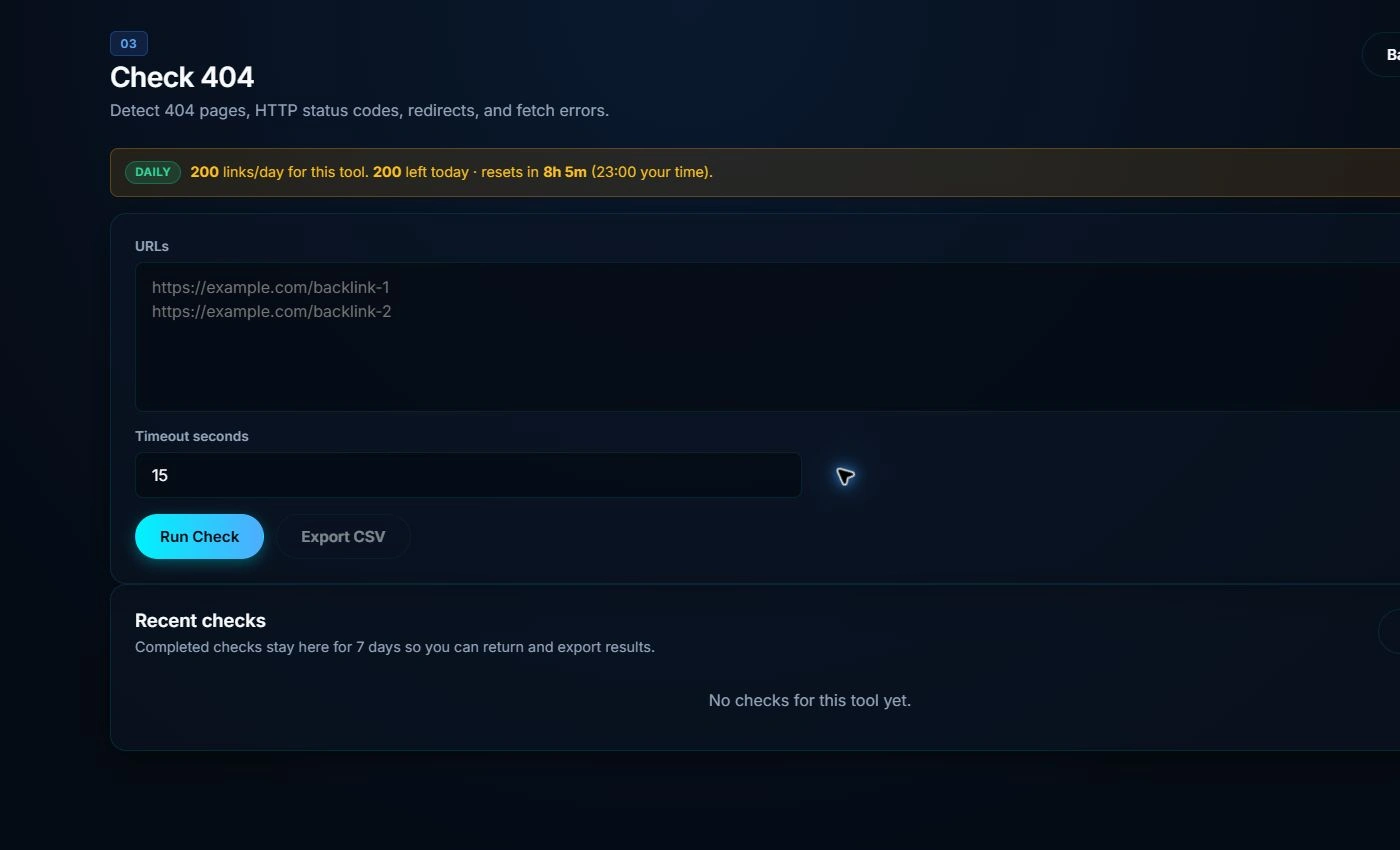
- Bulk-check for broken links → see live / 404 / redirect.
- For dead links: rebuild, replace, or remove them from the report.
- Live but not indexed? That’s a different issue — check index status.
When to check
- Before handing a batch to a client.
- At the interval defined by the delivery agreement or operational decision. Preserve the method and timestamp so results remain comparable.
Delivery-state transitions for a backlink batch
| State | Evidence required | Allowed transition | Handoff treatment |
|---|---|---|---|
| Unreachable | Timed response failure or terminal error | Recheck → reachable, or replace | Do not count as verified delivery |
| Reachable, link absent | Final rendered document lacks the expected target link | Correct placement → link present | Keep separate from a merely live page |
| Link present, target mismatch | Anchor exists but resolves to an unapproved target | Correct target → target match | Do not sign off against the ordered URL |
| Verified delivery | Reachable document, expected link and approved target at a stated time | Recheck → unchanged, removed, redirected or unavailable | Eligible for delivery reporting |
| Index observation pending | Delivery verified but no dated index observation yet | Later observation → exact, alternate, not observed or unavailable | Do not merge with delivery status |
The minimum audit key is source URL + expected target + check time. That key lets a provider prove what was checked without treating reachability, link presence and index observation as the same event.
If the source fails with 5xx, 429, 401/403, timeout or DNS evidence, preserve it as unavailable and follow the server/access error evidence ladder. A failed fetch does not prove the link was removed or the URL was not indexed.
The backlink availability graph
A backlink check should preserve five separate entities:
submitted URL → HTTP response → redirect chain → final document → expected
link target
. “Live” means the document was reachable; it does not mean the
expected link remained, matched the required target, or was observed indexed.
For defensible QC, report final status, redirect count, final URL class, expected-link presence, target match and check time. Keep index observation as a separate field.
What should appear in the client exception report?
A failed check is not one generic “broken” state. Give the buyer enough evidence to distinguish a placement defect from a temporary access problem.
| Exception class | Evidence retained | Disposition |
|---|---|---|
| Terminal missing response | Source URL, final URL, response, time and retry evidence | Repair or replace under the delivery agreement |
| Redirected source | Redirect chain, final document and expected-link result | Accept only if the final state satisfies the approved brief |
| Reachable, link absent | Checked representation and expected target | Placement repair; do not report as verified |
| Access check unavailable | Timeout, denial, rate limit or DNS evidence | Recheck; keep outside verified pass/fail counts |
| Delivery verified, index observation unresolved | Separate delivery and dated observation fields | Accept delivery only if the contract separates those obligations |
Buyer-proof rule: preserve the raw exception class rather than converting every failed request into “link removed.” Use the backlink delivery QC owner for acceptance rules and the IndexVero methodology for denominator treatment.
For local-listing batches, extend the same exception discipline to citation delivery QC and preserve field-level conflicts separately.
FAQ
How is a broken backlink different from an on-site broken link?
An on-site broken link is a failed destination referenced by your own site. A broken-backlink check starts from an external source page and must distinguish unavailable source, redirect, missing placement and target mismatch.
Does a redirect count as broken?
Classify it against the delivery agreement. A redirect to the approved source document may be acceptable; a loop, error, unrelated destination or page where the expected link is absent should not be reported as verified delivery.
Live but not indexed — same thing?
No. Live means the page exists; indexed means Google stored it. Check indexing separately.
Need the backlinks themselves crawled and indexed? Our backlink indexing service submits them in bulk and re-checks the result. Before choosing any tool, see how the best backlink indexers compare on refund terms and measured index rates.