Part of the Indexing Problems topic guide. Use the guide to move from this specific question to the full diagnostic workflow.
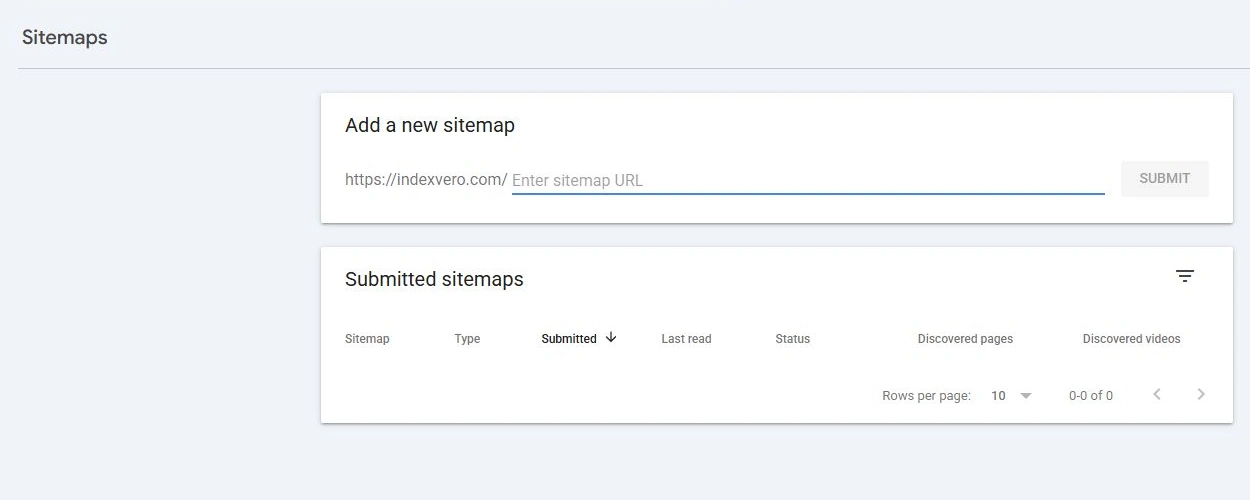
The current way to submit a sitemap is through Google Search Console → Sitemaps, or by declaring a Sitemap: line in your robots.txt. Important: the old “ping” endpoint (google.com/ping?sitemap=) was retired by Google in 2023 — don’t use it. And a sitemap only helps Google discover your URLs; it does not force indexing.
Sitemap evidence is a discovery branch in the Indexing Problems routing model, not proof of crawling, canonical selection or indexing.
How to submit (the 2026 way)
- Open Google Search Console → Sitemaps, paste your
sitemap.xmlpath, and click Submit. - Or declare it in robots.txt:
Sitemap: https://yourdomain.com/sitemap.xml— Google reads it automatically. - Check the “Success” status and how many URLs Google read in the Sitemaps report.
Stop doing this: pinging the sitemap
The ping endpoint (https://www.google.com/ping?sitemap=...) stopped working in 2023. Any guide still teaching this method is outdated — skip it.
Set expectations: a sitemap ≠ guaranteed indexing
A sitemap declares URLs that the site owner wants Google to know about and can provide metadata such as an accurate last modification time. Submission is only a hint: it does not guarantee that Google will download the sitemap, crawl every listed URL or index them. “Discovered – currently not indexed” and “Crawled – currently not indexed” are different recorded states and neither should be reduced to a single page-value cause.
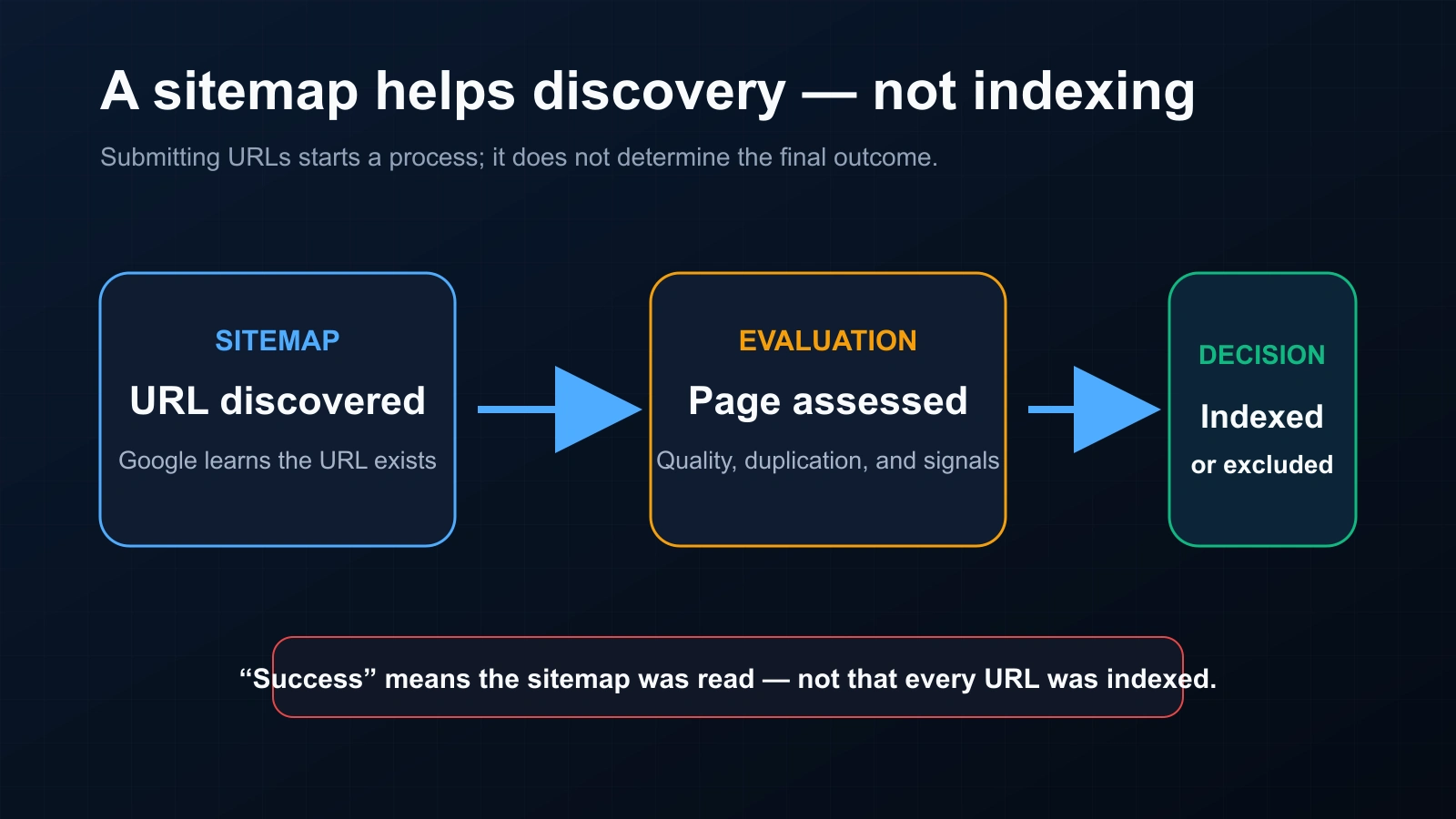
Keep the crawl → index → rank stages separate when explaining what sitemap discovery can and cannot prove.
After you submit
- Check which URLs actually got indexed (a sitemap only tells you Google read it, not that it indexed it): bulk index checker.
- For pages or backlinks that need indexing fast, use a fast backlink indexing service instead of just waiting on the sitemap.
Common sitemap mistakes
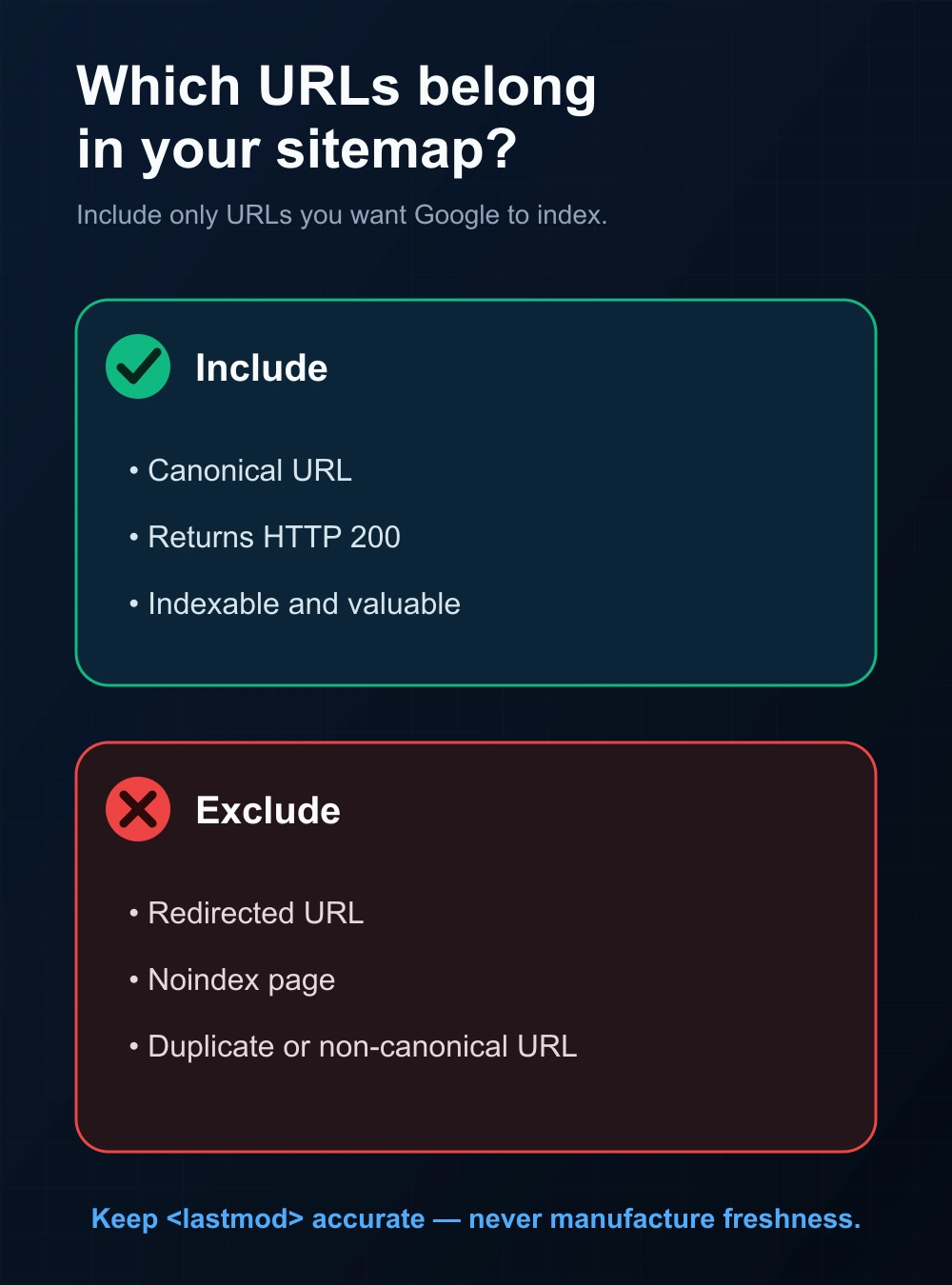
- Listing non-canonical, redirected, or noindex URLs — confuses discovery.
- Inaccurate
<lastmod>dates — Google may use this value when it is consistently and verifiably accurate, so update it only for meaningful page changes. - Failing to provide any reliable discovery path to the sitemap — submit it in Search Console, reference it in robots.txt, or use both where operationally useful.
A sitemap reconciliation worksheet
| Field | Expected relationship | Conflict to fix |
|---|---|---|
| Sitemap URL | The preferred, absolute URL intended for discovery | Redirected, non-canonical, noindex, error or duplicate URL |
| HTTP response | Stable successful response for the preferred page | Redirect chain, soft 404, 4xx/5xx or gated response |
| Canonical declaration | Self-references or consistently identifies the intended representative | Sitemap and canonical point to different URL forms |
| Last modification | Changes only when the primary page content changed meaningfully | Generated “today” dates for unchanged URLs |
| Property evidence | Sitemap read/submission data remains separate from crawl and indexed evidence | “Success” is reported as “all URLs indexed” |
A backlink seller normally cannot add a third-party source URL to the buyer’s sitemap because the buyer does not control that source host. Use sitemaps for owned-site discovery; keep third-party backlink delivery and index observation in their own evidence workflow. Google’s sitemap documentation states that submission is a hint and explains when accurate <lastmod> values may be used.
Where a sitemap sits in the graph
A sitemap connects a site owner to a set of declared important URLs. Google can use it for discovery and metadata, but inclusion is not a crawl command, canonical directive or indexing guarantee. Preserve four separate facts: sitemap inclusion, last submitted/read time, URL Inspection evidence and current canonical/index observation.
For the separate, restricted notification system, see the Google Indexing API eligibility guide; ordinary sitemap URLs do not become API-eligible merely because they need faster discovery.
FAQ
Does submitting a sitemap speed up indexing?
It can help Google discover declared URLs, but submission does not guarantee download, crawling speed or indexing. Measure those events separately.
How long until Google reads my sitemap?
There’s no fixed time; the Sitemaps report updates once Google has processed it.
Do I need to resubmit when I add pages?
No, if your sitemap updates automatically — Google re-reads it periodically.
Is pinging the sitemap still a thing?
No. Google retired the ping endpoint in 2023. Use GSC or robots.txt.